
How to Register a .LK Domain: Step-by-Step Guide
Registering a .LK Domain is slightly different from registering. It requires manual approval from the Sri Lanka Domain Registry. Follow this simple guide to get your local identity online.
The Domain Registration Process
Step 1: Check Domain Availability
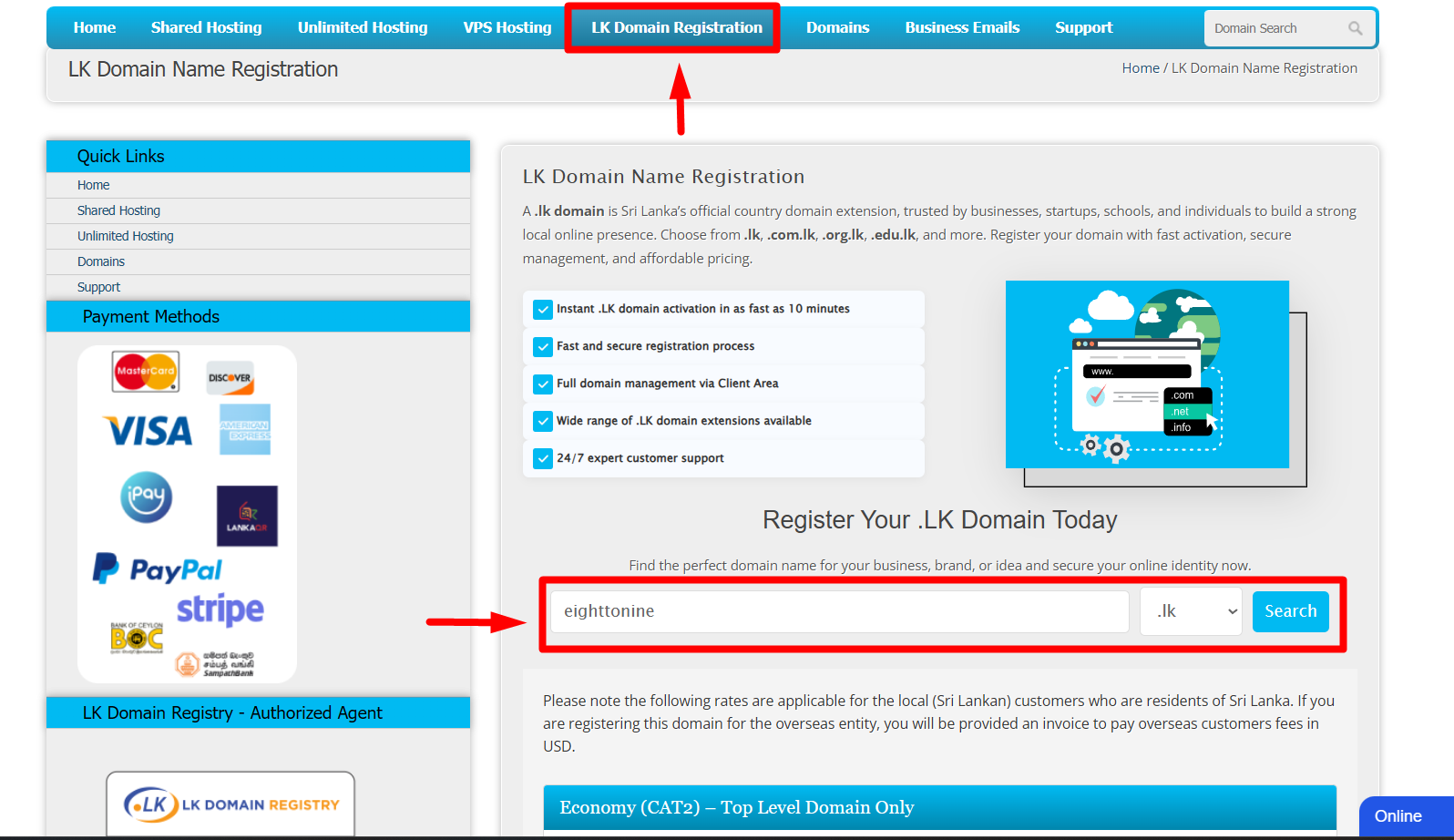
Visit the Ceylon Servers .LK Registration page. Enter your desired name in the search bar to see if it is available.
Tip: .LK Domains are unique and highly localized, making them great for SEO in Sri Lanka.
Step 2: Configure & Checkout
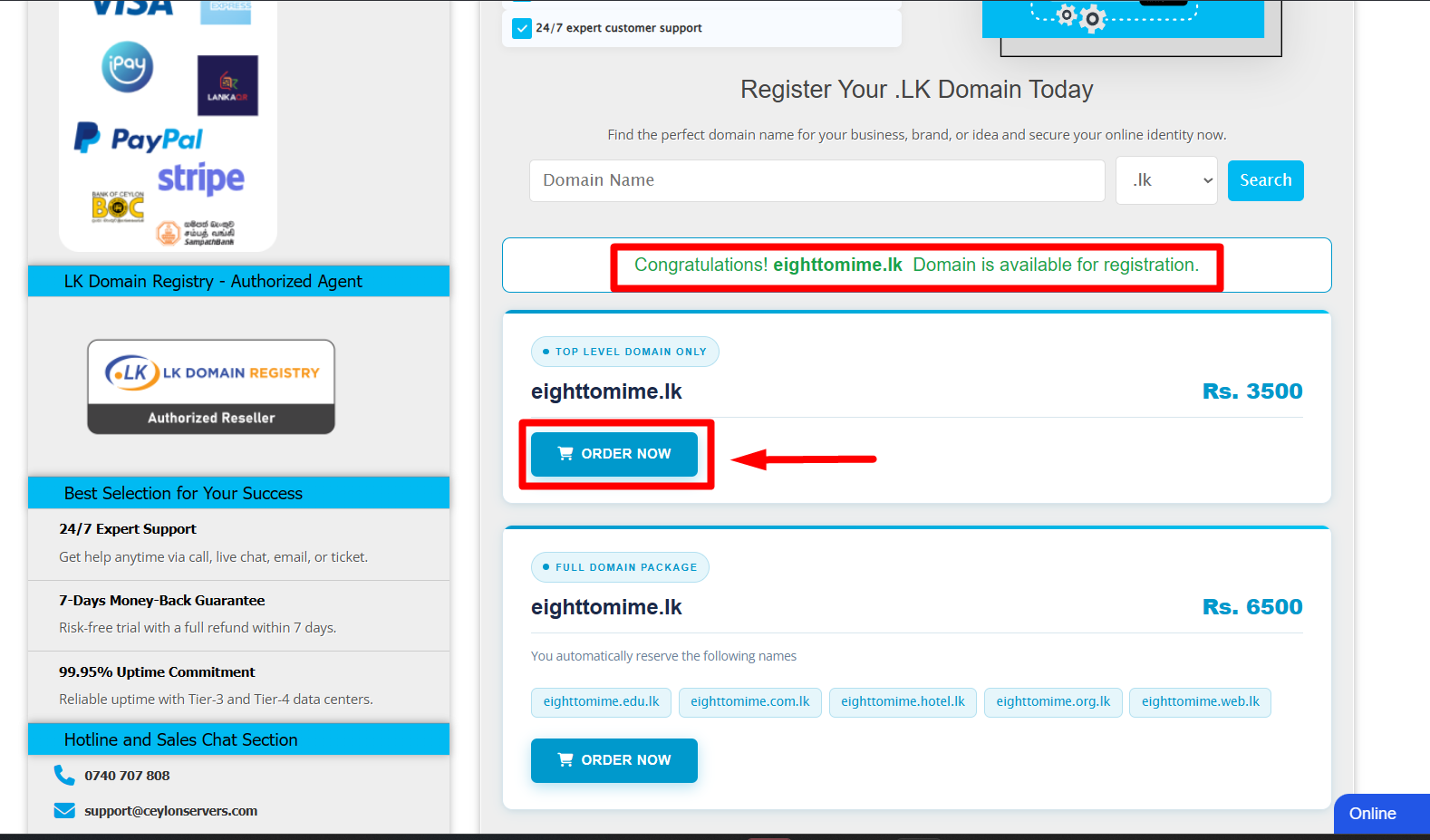
Once you find an available name, add it to your cart. You will be asked to configure your nameservers. If you are using Ceylon Servers hosting, our default nameservers will be pre-filled for you. Proceed to checkout and complete the payment.
Step 3: Submit Domain Registration Form
In this step, log in to your Client Area, complete the required details in the domain registration form, and upload your National Identity Card (NIC) or supporting document (Business Registration - BR). Once all information is filled in and files attached, submit the form
Click to Check Required Documents for .LK Domain Approval Documentation : Click Here
Step 4: Registry Review & Activation
Once your documents are uploaded, our team coordinates with the LK Domain Registry. They typically review and activate domains within 10 Minutes. You will receive an automated email once your domain is live.
Ready to start?
Visit our .LK Domain Registration page to search for your perfect name and secure your online identity today!